Be understood.
Become familiar with unit communications, listening to instructions, and keeping your team informed.
 KodiakAirmobile Guard
ApplyContinue in Discord
KodiakAirmobile Guard
ApplyContinue in Discord
04 / Recruitment
Start on Discord. Learn the standard.
Take your place in the formation.
Read the welcome information and recruitment instructions. Introduce yourself and let the team know you are interested in joining Kodiak.
Follow the application process given on Discord. Be ready to explain your Arma 3 experience, availability, and what you are looking for in a unit.
The recruitment team reviews your application and answers questions. Confirm the current requirements and training arrangements before committing to a session.
Confirm the required game setup, mod preset, and voice communications with the team. Check that everything works before Combat Survival Training.
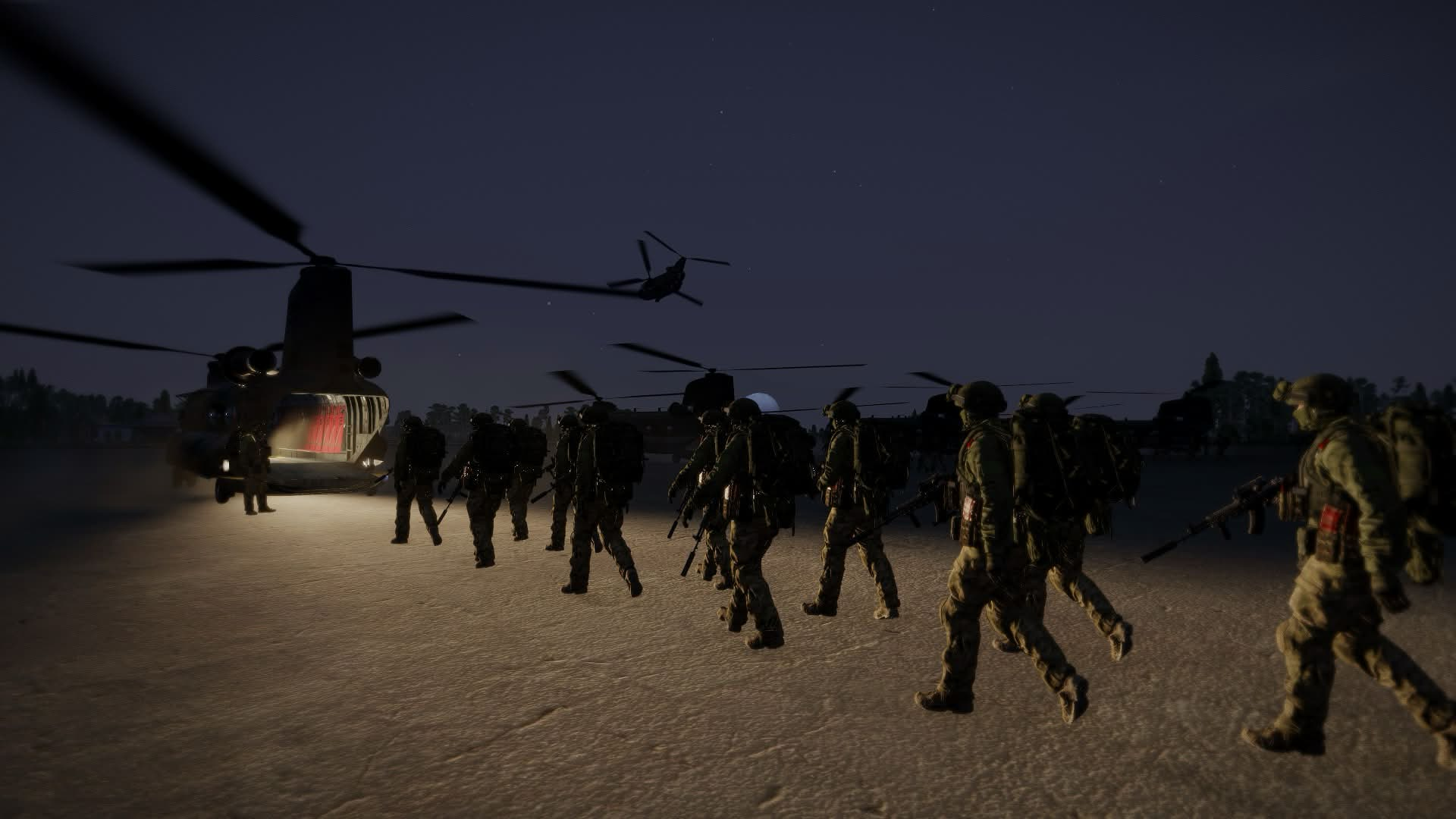
CST / Arma 3
Combat Survival Training is the next part of the entry process. Its purpose is to help recruits understand how the unit operates and practise working together in game.
Become familiar with unit communications, listening to instructions, and keeping your team informed.
Build confidence with the in-game systems, navigation, equipment, and movement used during unit activities.
Practise following a shared plan, supporting the people around you, and asking for help when you need it.
Use instructor feedback to understand what is going well and what needs more practice before joining operations.
This is an introductory outline. Training staff confirm the current syllabus, session times, and completion standard.
The next chapter
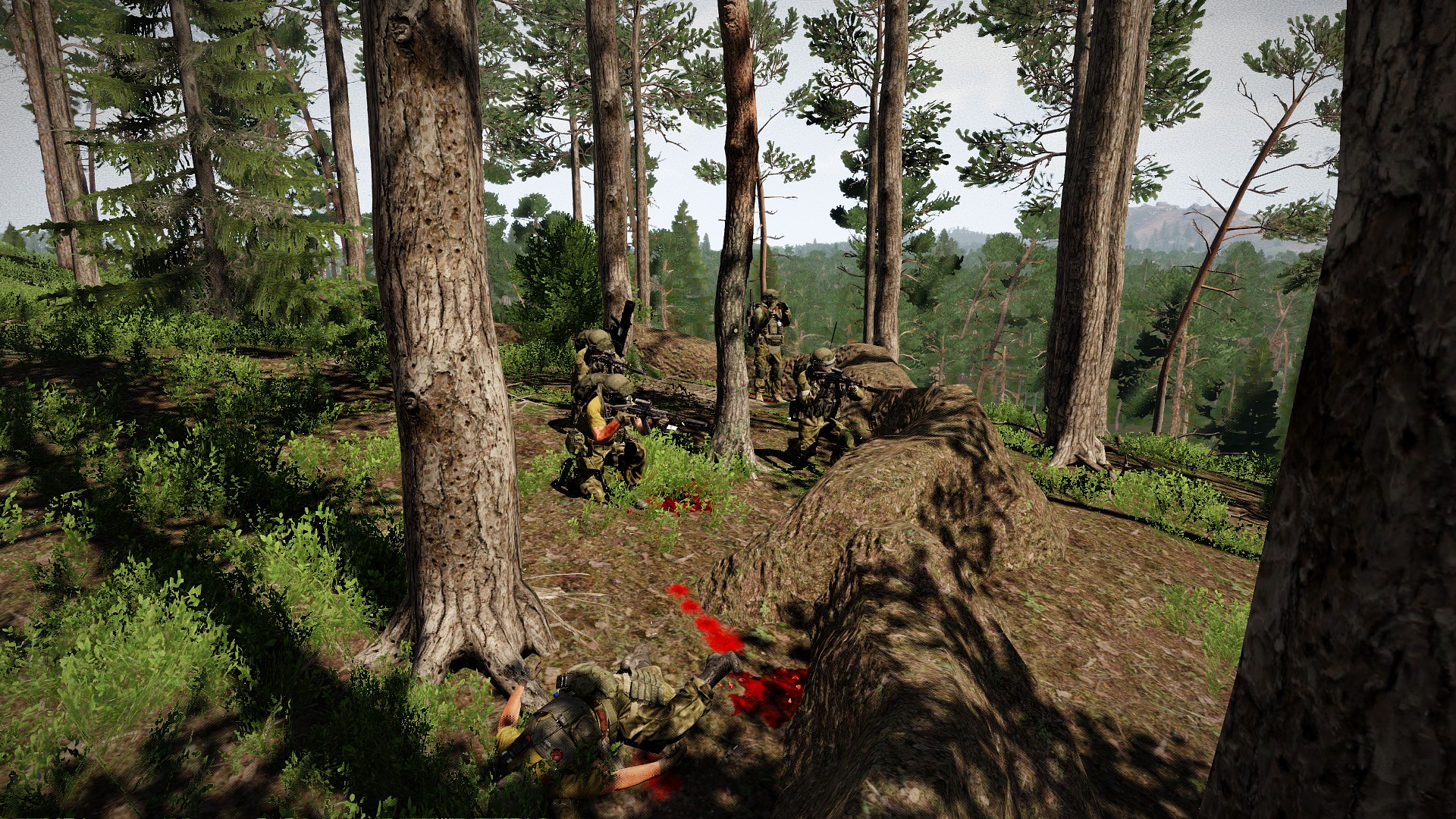
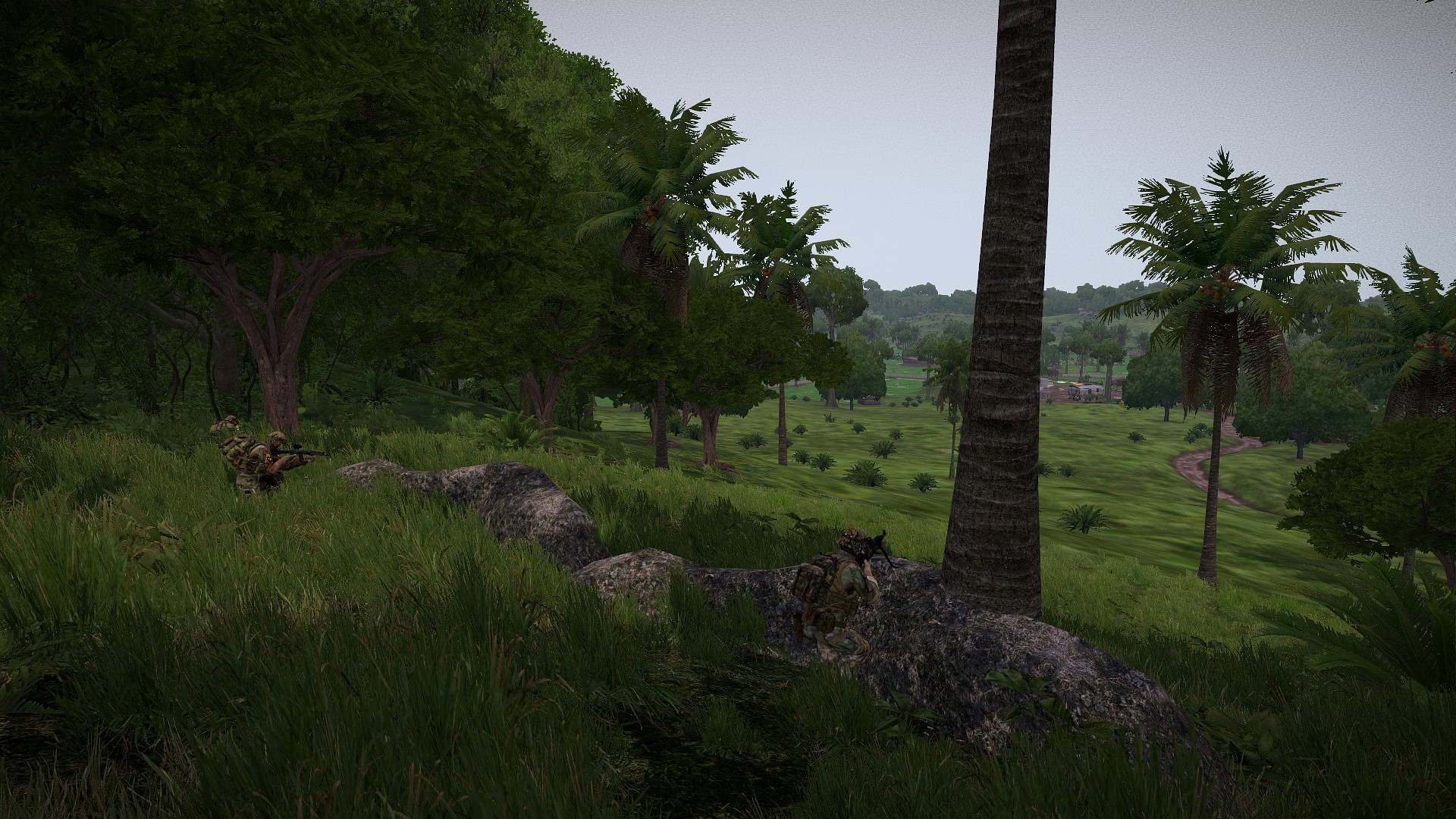
After CST, speak with the team about your next steps in Kodiak.
Staff will explain participation in operations, available roles, and any further preparation. Ask questions early and keep building on what you have learned.
Read the recruitment FAQ